
Top 5 Best Online Tools to Create Content with AI

Most people treat AI content tools as interchangeable. They are not. Generating a draft, making it sound human, and keeping it consistent across a team are three different problems – and they need three different tools.
We tested five platforms that each solve a distinct part of that workflow: from generating long-form text, to adapting output so it reads as a person wrote it, to producing fast first drafts at scale. Whether you need the best tool for content writing, a way to make writing sound less like AI, or simply a faster path from blank page to published post, here is what we found.
How We Chose These Tools
We did not rank these tools based on marketing claims or feature lists. We tested each one hands-on and scored it across four criteria that matter in a real content workflow.
- Pricing and free tier access. Price matters, but so does what you get on the free plan. A tool that costs nothing and caps at 500 words per run is less useful than one that gives you 200,000 words for free. We note exact limits so the comparison is direct.
- Features and workflow fit. Some tools generate text from scratch. Others rephrase or restructure existing drafts. A few do both. We evaluated what each tool actually does, not what its landing page claims.
- Output quality. We ran the same input through each tool and read the results. We looked at the naturalness of the prose, whether the rewrite kept the original meaning, and how much post-editing the output still needed.
- Our hands-on experience. We used each tool across multiple content types – blog posts, short social copy, and academic-style text. Speed, interface friction, and consistency across runs all factor into a real-world verdict.
MIT Sloan research confirms that AI tools only produce better outcomes when users actively engage with them – reflect on results, adjust their approach, and refine their prompts. That finding shaped how we tested: we ran each tool the way a thoughtful writer would use it, not just once on a single sample.
Best 5 Online Tools to Create Content with AI
Our list covers the full content creation cycle across formats. The first two tools generate written content – each with a different strength and audience. The third handles the step most workflows skip: making AI text undetectable before it goes live. The fourth moves into a different content format entirely – turning existing long-form video into short-form clips for social. The fifth covers high-volume short-form text drafting at the lowest price point in this list. Together, they cover written content, humanization, and video repurposing without switching between platforms more than necessary.
1. Claude AI
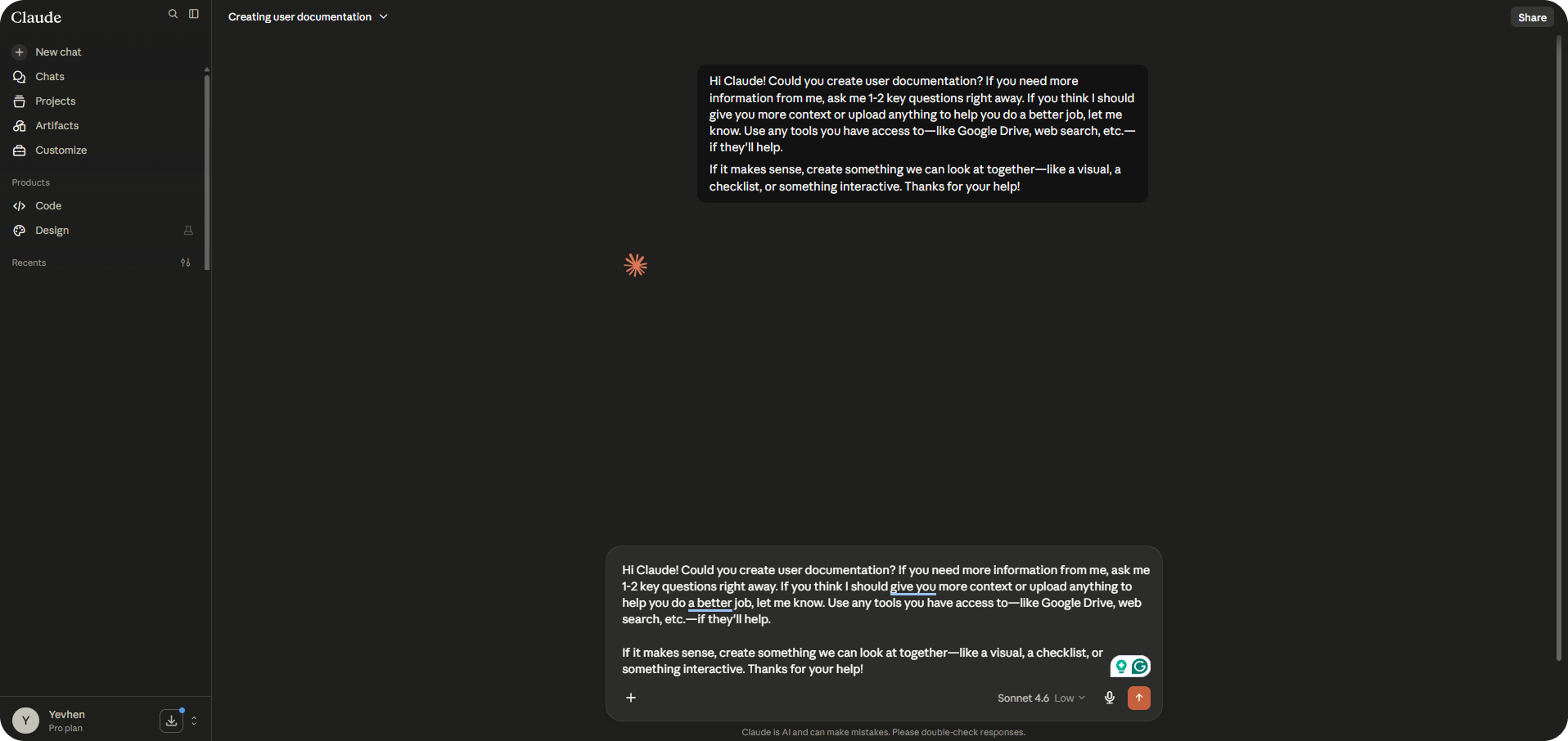
Claude, built by Anthropic, goes well beyond text generation. It reasons through structure, holds coherence across long documents, and adjusts tone on request across pieces that run thousands of words. File uploads, web search, and built-in Projects and Memory make it the strongest starting point for long-form content work in this list.
The free plan gives genuine production access – not a capped demo – with no credit card required. Pro at $20/month removes session limits, adds Claude Cowork, and increases capacity approximately 5× per session.
|
Pricing |
Free at $0; Pro at $20/month; Max 5x at $100/month; Max 20x at $200/month; Team Standard from $25/seat/month ($20 annual); Team Premium from $125/seat/month ($100 annual); Enterprise custom |
|
Free tier |
Yes – web, iOS, Android, desktop access; rolling 5-hour usage window; no credit card required |
|
Output limits |
No fixed word cap; ~5x more usage on Pro vs Free; resets on rolling window |
|
Key features |
Long-form drafting, document analysis, file uploads (PDF, DOCX, images), web search, custom writing styles, Projects, Memory, Claude Cowork (Pro+) |
|
Content types |
Articles, reports, emails, briefs, social copy, scripts, academic writing |
|
Languages |
50+ languages |
|
Best for |
Writers and teams who need high-quality long-form output with minimal editing overhead |
Our experience: We tested Claude across a 1,500-word article, five social posts, and a product description sequence. Structure held from intro to conclusion without drift, tone stayed consistent across all five posts without re-prompting, and a style-match test against an uploaded reference needed one light edit rather than a full rewrite. For teams producing content at volume, that reduction in post-editing time compounds fast.
2. ChatGPT
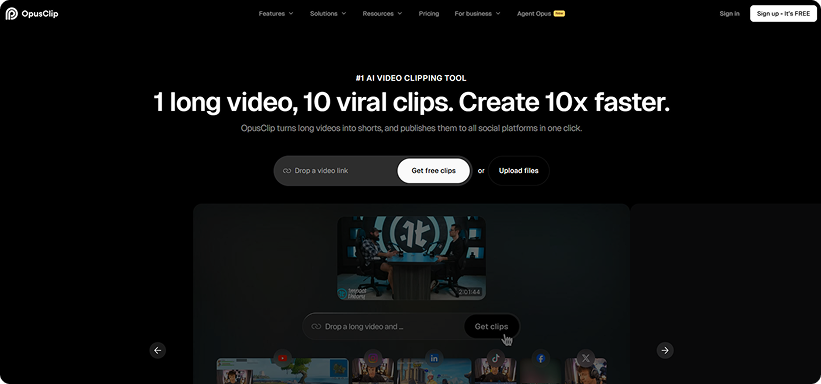
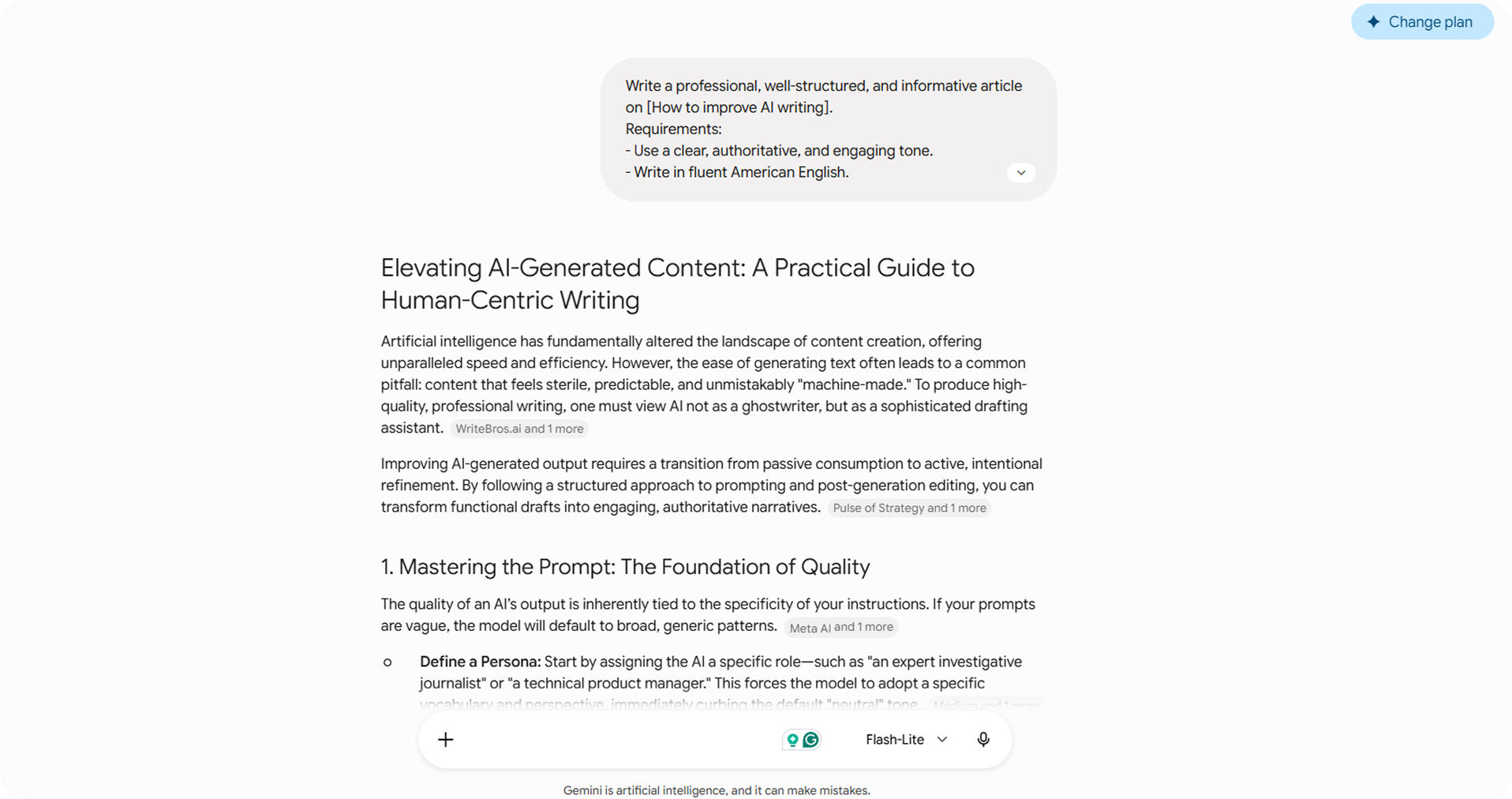
ChatGPT is the most widely used AI content tool in the world. It generates text across virtually every format and holds tone through Custom Instructions that persist across every session. Projects take that further – each one carries its own instructions and reference files, so switching between client voices requires no context reset.
The free plan covers occasional use with ~10 messages per 5-hour window and a 16K token context window. Plus at $20/month upgrades to GPT-5.5, adds Deep Research, Agent Mode, Canvas, Tasks, expands context to 32K tokens, and removes ads – the plan where ChatGPT earns its place in a production workflow.
|
Pricing |
Free at $0 (ads in US); Go at $8/month; Plus at $20/month (GPT-5.5); Pro at $100/month (5x Plus) or $200/month (20x Plus, 1M context); Business at $20/seat/month annual or $25/seat/month monthly; Enterprise custom |
|
Free tier |
Yes – GPT-5.3 Instant, ~10 messages per 5-hour window, ~16K token context; no Deep Research, no Tasks, no custom GPTs; ads shown to US users |
|
Output limits |
No fixed word cap; context window: ~16K tokens on Free, ~32K on Plus, ~128K on Pro $100, 1M on Pro $200 |
|
Key features |
Multi-format generation, Custom Instructions, Projects, Deep Research, Agent Mode, Canvas, Tasks, web search, file, and image uploads |
|
Content types |
Articles, blog posts, emails, social copy, product descriptions, scripts, ad copy |
|
Languages |
50+ languages |
|
Best for |
Writers and teams who need a flexible high-volume generator across multiple formats with a persistent brand voice |
Our experience: We evaluated ChatGPT Plus on generation speed, output consistency, and detection performance across article drafts, email sequences, and short social copy. Generation was fast, and instruction-following was reliable across long sessions. On detection, raw output scored close to 100% on every detector we used – a humanization pass is required before any of it goes live.
3. Clever AI Humanizer
The third tool handles the step most AI workflows skip. If you need to humanize AI writing before it goes live – to make writing sound less like AI and pass detection at every major tool – this is where to start. As a dedicated content humanizer, it targets the statistical patterns that AI detectors flag and removes them at a structural level, varying rhythm and sentence length in ways that read as human without sacrificing meaning or grammar quality.
What sets it apart from standalone AI humanizers is the complete workflow it covers. Generate content for free inside the platform, run it through the humanizer, paraphrase your AI text with the built-in paraphrase tool, and fix grammar with the integrated fixer – all without switching tools. Three style presets (Casual, Simple Academic, and Simple Formal) adapt the tone to the context. The result is not a rewritten draft – it is a finished product ready to publish or submit.
|
Pricing |
100% free; no paid plan |
|
Free tier |
Full access – no credit card, no ads, no paywall |
|
Output limits |
200,000 words/month; 1,000 words/run (guest); 7,000 words/run (registered) |
|
Key features |
AI humanizer, paraphrase tool, grammar fixer, three style presets (Casual / Simple Academic / Simple Formal), built-in AI Writer, DOCX and PDF upload support |
|
Content types |
Essay, Blog Post, Article |
|
Languages |
English primary; multilingual support via AI Writer |
|
Best for |
Anyone generating AI content who needs to pass AI detection before publishing or submitting |
Our experience: We ran three texts through Clever AI Humanizer and checked each against ZeroGPT and GPTZero. Text 1 returned 0% on ZeroGPT and 1% on GPTZero. Text 2 came in at 14.71% on ZeroGPT and 0% on GPTZero. Text 3 scored 0% on ZeroGPT and 11% on GPTZero – an average detection rate of 4.45% across all six measurements, the lowest of every tool we tested. Grammar held throughout: QuillBot scored outputs at 94%, 93%, and 91%, and GPT rated the writing at 8.5/10, 9/10, and 8/10. Output on longer pieces needs a light edit, but it consistently reaches a publishable state in minutes.
4. Opus Clip
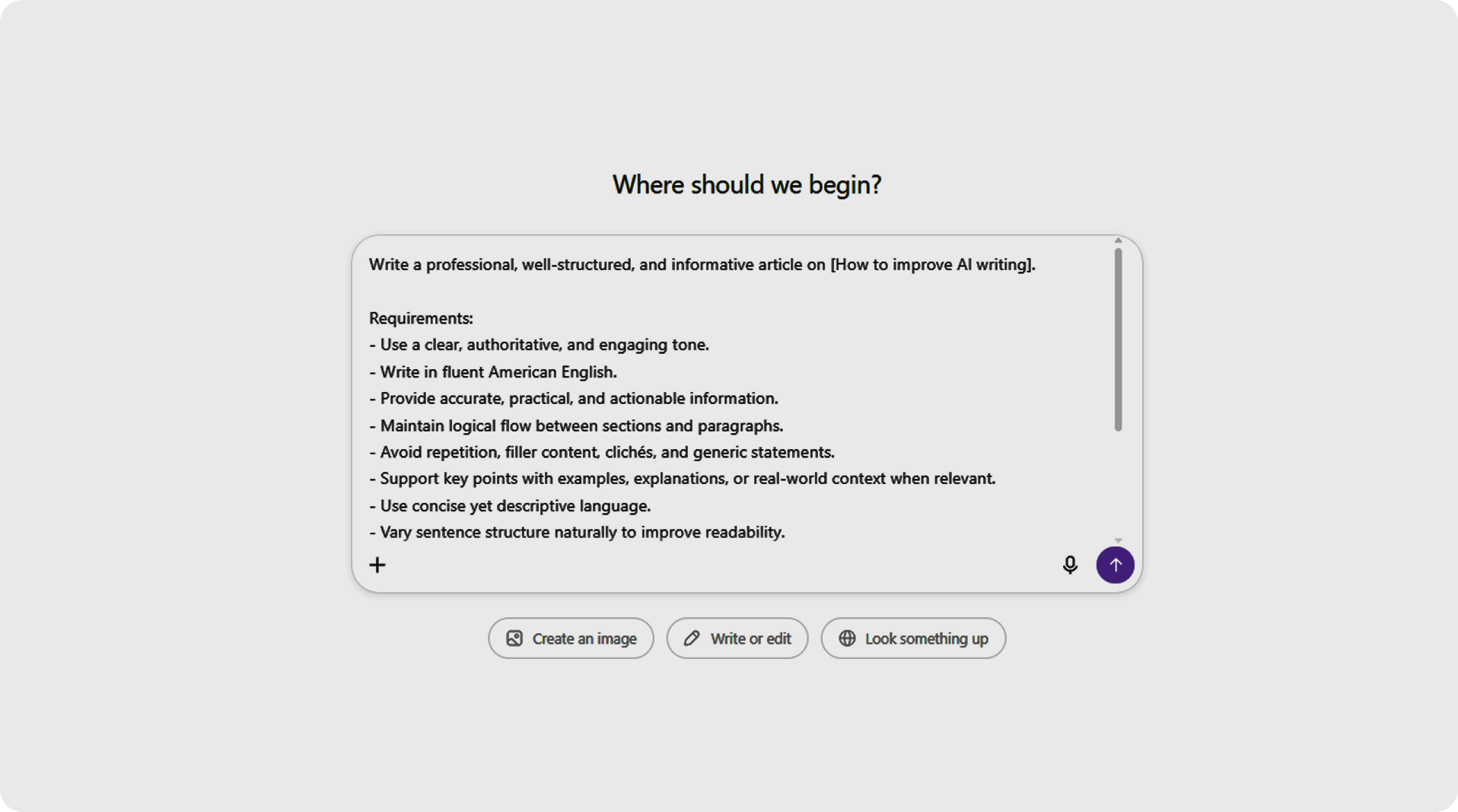
Opus Clip is an AI video tool trusted by content teams at NVIDIA, Visa, and iHeartMedia. It takes existing long-form video – podcasts, webinars, interviews, YouTube videos – and automatically identifies the most engaging moments, cutting them into short-form clips optimized for TikTok, Instagram Reels, and YouTube Shorts. The ClipAnything AI model scores each clip on estimated virality potential, so you are not guessing which moments will perform.
The free plan gives 60 processing minutes per month with AI captions and 9:16 exports – enough to test the tool before committing. Starter at $15/month covers 150 minutes with watermark-free exports. Pro at $29/month unlocks 300 minutes, all aspect ratios (1:1 and 16:9 alongside 9:16), AI B-Roll, social scheduling, and a team workspace – the plan where Opus Clip becomes a real production tool.
One important note: Opus Clip requires existing source footage. It does not generate original video from scratch.
|
Pricing |
Free at $0 (60 min/month, watermark); Starter at $15/month (150 min); Pro at $29/month or $14.50/month annual (300 min, team features); Business custom |
|
Free tier |
Yes – 60 processing minutes/month, AI captions, 9:16 exports; watermark on all exports; no Virality Score, no editing tools; clips expire after 3 days; no credit card required |
|
Output limits |
60 min/month on Free; 150 min on Starter; 300 min on Pro (1 credit = 1 minute of source video processed) |
|
Key features |
ClipAnything AI model, virality score per clip (Starter+), AI captions (25+ languages), AI B-Roll (Pro), all aspect ratios including 1:1 and 16:9 (Pro), social scheduling (Pro), team workspace (Pro), brand kit (Starter+) |
|
Content types |
Short-form video clips (TikTok, Instagram Reels, YouTube Shorts), social media content, podcast highlights, webinar snippets |
|
Languages |
25+ languages for AI captions |
|
Best for |
Content creators, podcasters, and video teams who need to repurpose long-form video into short-form social content at speed |
Our experience: We tested Opus Clip on a 45-minute podcast episode and a 60-minute webinar recording. The ClipAnything model identified 12 and 17 clips, respectively, in under two minutes per video – a selection that would take 30–45 minutes to do manually. Virality scores were useful as a first-pass filter: the top-scored clips were consistently the moments with a clear hook in the first five seconds. AI captions were accurate across both recordings with minimal correction needed. On Pro, the AI B-Roll feature added relevant cutaways that reduced jump cuts without manual searching. The 300-minute monthly cap on Pro is the main constraint for high-volume teams – a weekly podcast at 60 minutes per episode hits the ceiling inside the first month.
5. Rytr
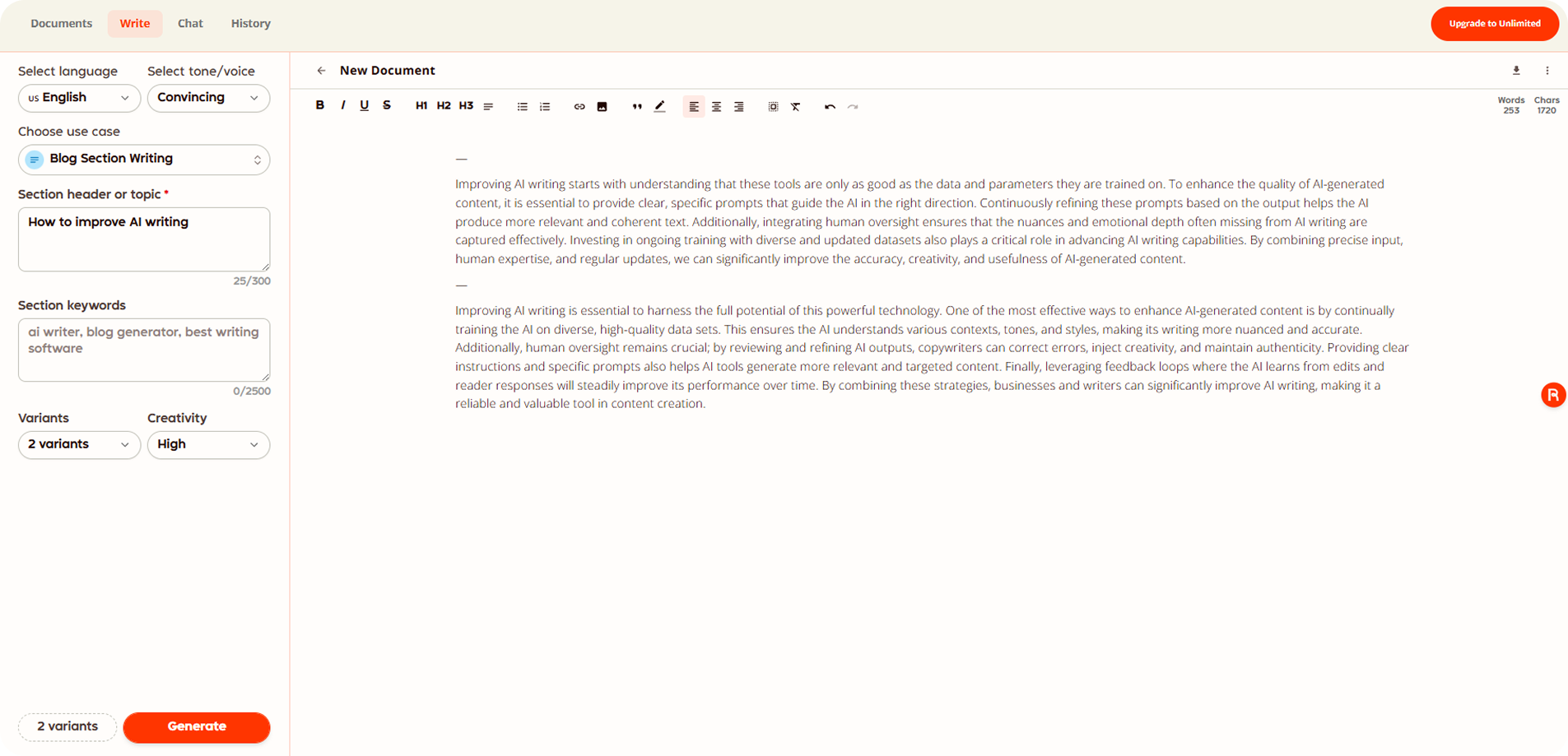
Fifth is Rytr – a writing assistant built for speed and short-form output, trusted by more than 8 million users. It covers 40+ content use cases, 20+ preset tones, and a Chrome extension that puts generation into any browser environment. The key differentiator from every other tool in this list is price: unlimited generation starts at $7.50/month on annual billing.
The free plan gives 10,000 characters per month in one language – enough to test the tool, not for daily production. Rytr is built for short-form work: social captions, email copy, product descriptions, outlines. Long-form articles require more prompting and editing than Claude or ChatGPT. Before any output reaches a reader, it needs the same humanization step as every other generator here – the detection numbers for raw output are consistent across the category.
|
Pricing |
Free at $0; Unlimited at $7.50/month (annual) or $9/month (monthly); Premium at $24.16/month (annual) or $29/month (monthly) |
|
Free tier |
Yes – 10,000 characters/month (~1,500 words), 1 language only, 40+ use cases, 20+ tones, Chrome extension; no credit card required; no plagiarism checks on free |
|
Output limits |
10,000 characters/month on Free; unlimited on Unlimited and Premium |
|
Key features |
40+ use case templates, 20+ tones, Chrome extension, plagiarism checker via Copyscape (Unlimited+), custom use cases (Premium), 35+ language support (Premium) |
|
Content types |
Social captions, ad copy, email sequences, product descriptions, blog outlines, SEO meta descriptions |
|
Languages |
1 language on Free; 30+ on Unlimited; 35+ on Premium |
|
Best for |
Individual creators and freelancers who need fast, short-form drafts at the lowest price point |
Our experience: We tested Rytr on social captions, email copy, and product descriptions – the formats it is built for. Drafts came back fast and consistently usable with light editing, faster than any other tool in this list on those specific formats. On longer blog-style content, output needed more refinement to reach the level that Claude or ChatGPT produces on a first pass. At that price point, it is the most cost-effective entry in this list for short-form volume.
What Should You Avoid While Using AI Tools
Most teams figure this out the hard way. These are the mistakes that consistently show up in AI content workflows – and the ones that are easiest to prevent.
- Publishing unedited AI output. Raw AI text sounds flat. Your audience will notice, even if they cannot explain why. Every tool in this list produces a draft, not a finished product.
- Using AI as a substitute for strategy. None of these tools know your brand positioning, your audience’s pain points, or which stage of the funnel a piece of content targets. That context has to come from you. AI executes; it does not think on your behalf.
- Skipping the detection pass on content that needs it. Tools built to detect AI-generated text have become standard at academic institutions, publishers, and agencies. If your content goes anywhere that AI detection matters – academic submissions, SEO-heavy publishing, client-facing copy – run it through a humanizer before it leaves your workflow. Raw AI output scores close to 100% on most detectors without that step.
- Ignoring fact-checking. AI tools generate confident text. Confidence is not the same as correctness. Statistics, sources, and any factual claim in an AI draft need verification before publication.
- Choosing the wrong tool for the task. A humanizer does not replace a generator. Each step in the workflow exists for a reason – collapsing them into one tool produces worse output than running each step with the right one.
- Treating the AI draft as magic. The perspective, accuracy, and tone that make content worth reading come from what happens after the AI output. That is where the real work is.
FAQ
Is it better to humanize AI text or rewrite it manually?
Manual rewriting produces the most natural output, but it takes time that most workflows do not have. Humanize first, then edit – rather than rewrite from scratch or publish without touching the output at all.
Can I use these tools for academic writing?
For drafting and structuring, yes. For submission, it depends on your institution’s policy. Researchers at the University of Utah document the specific patterns that make AI text identifiable in academic contexts and outline what needs to change before submission. A humanization pass helps, but it does not replace knowing the rules that apply to your context.
What happens when humanized output still sounds off?
The source text is usually too structurally uniform for the humanizer to work with effectively. Break it into shorter sections, or switch presets. A second pass through the paraphrase tool after humanization tends to smooth what remains.
Final Words
The market for AI content tools moves fast, and two things stand out when you step back from the individual tool comparisons. First, the best results in our testing did not come from the most expensive tools – they came from the right combination of tools used in the right sequence. Second, the free tier across this category has improved to the point where budget is rarely the actual constraint. What limits most AI content workflows is not access to tools but clarity about what each one is supposed to do.
Given how many new AI writing and humanization tools continue to appear, it is worth paying less attention to which tool is newest and more to whether it solves a specific gap in your process. The teams that get the most out of AI content tools are not the ones using the most tools – they are the ones that know exactly where human judgment still has to carry the work.


